Welcome Suica Card Guide: Narita to Shimbashi
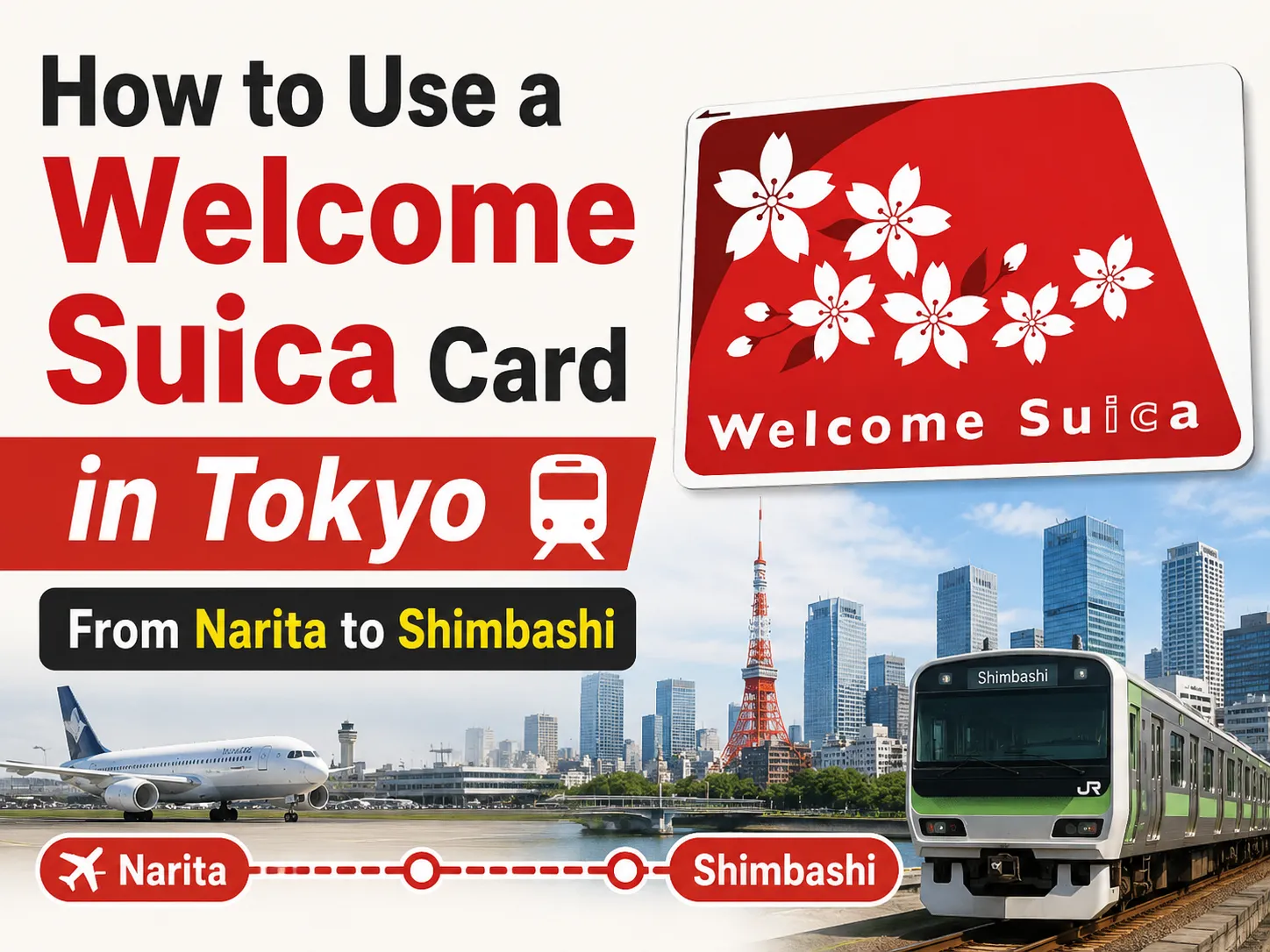
How to Use a Welcome Suica Card in Tokyo — From Narita to Shimbashi
I visited Tokyo a while back and used a Welcome Suica card to get around the entire trip. If you’re planning to visit Tokyo, let me share how I used it — from buying the card at the airport to managing the balance down to the last yen.
Landing at Narita Terminal 2
I landed at Narita International Airport Terminal 2. My hotel was near Shiodome Station, but since Shiodome is easily walkable from Shimbashi Station through an underground passage, I looked for a route that goes straight to Shimbashi with no transfers. Dragging luggage through multiple train changes is the last thing you want after a flight.
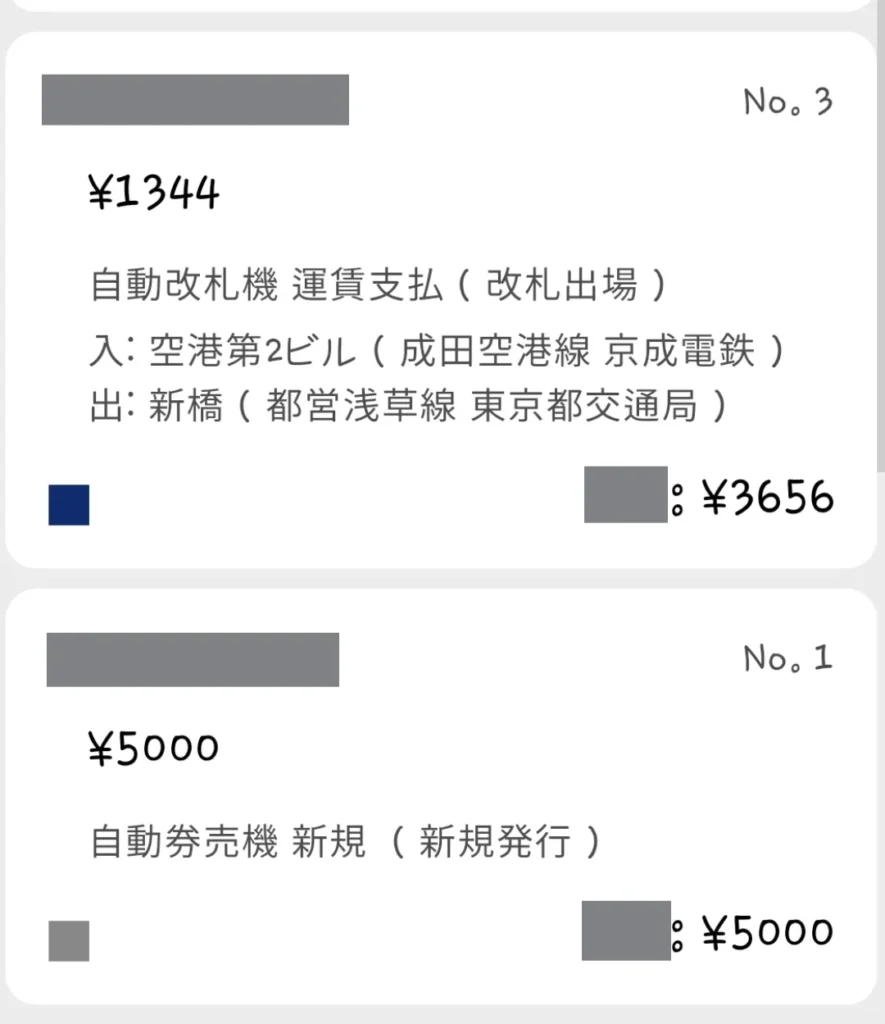
The route I chose: the Keisei Narita Sky Access — Access Express. As of 2026, the fare from Terminal 2 to Shimbashi is around 1,414 yen, though it was 1,344 yen when I took it — fares can change, so double-check before you go. The ride takes about 1 hour and 20 minutes. Not the fastest option, but direct and affordable.
One heads-up: if you can’t grab a seat, standing for over an hour with bags gets tiring fast. Watch for seats opening up at major transfer stations where a lot of passengers get off.
Buying a Welcome Suica
When you follow the signs for trains at the airport, you’ll reach a point where the path splits between Keisei and JR. I headed toward the JR side first to pick up a Welcome Suica card.
Welcome Suica is a special IC card designed for tourists. You can buy them at the dedicated red ticket machines at the airport — they’re bright red, so you really can’t miss them. Just select how much you want to load and you’re done in a couple of minutes.
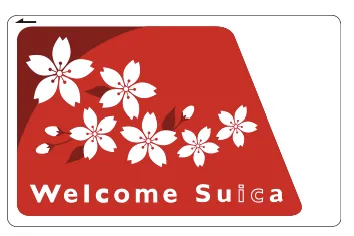
Here’s what you need to know about the card:
- No deposit required (unlike a regular Suica)
- Valid for 28 days from first use
- Remaining balance is non-refundable
- Limited to one card per person
Beyond the airport machines, Welcome Suica is also available at JR East Travel Service Centers at major stations including Tokyo, Shibuya, Shinjuku, Ikebukuro, Ueno, Yokohama, and Sendai, as well as Haneda Airport Terminal 3 Station. JAPAN RAIL CAFE TOKYO and TAKANAWA GATEWAY Travel Service Center sell them too.
I loaded 5,000 yen onto my card. For a 4-night, 5-day trip using it only for transit, that turned out to be almost perfect.
Using It Is Dead Simple
If you’ve ever used a transit card anywhere — T-money in Korea, Oyster in London, whatever — it’s the same idea. Tap your card on the IC reader at the ticket gate going in, tap again going out. Done. The Access Express accepts Suica too, so you can use it right away from the airport.
The Balance Game
Since you can’t get a refund on your Welcome Suica balance, there’s a little game every tourist plays: trying to use up as much of it as possible before heading home.
Suica works at convenience stores, vending machines, and many restaurants — anywhere you see the IC card symbol. So some people spend their remaining balance on snacks or drinks. Others try combining cash and Suica for a single purchase to zero out the balance, but I’ve heard this kind of split payment gets refused at a lot of places in Japan.
I kept things simple and used my Suica strictly for transportation. By day 4, when I got back to Shimbashi Station, I had exactly 449 yen left. The Access Express fare back to Narita was 1,344 yen at the time, so I topped up 900 yen at a ticket machine — and yes, you can charge in 100-yen increments, not just bills. Came home with just 5 yen left on the card. Pretty satisfying.
Checking Your Balance with an App
When you pass through a ticket gate, the fare and remaining balance flash on the screen for a split second. Easy to miss, especially when you’re rushing.
A more reliable way is to use a balance-checking app. Search for something like “Japan transit card balance” on the Google Play Store and you’ll find several options. I used one called Suica Reader. Just switch your phone’s NFC to the default mode, hold the card against the back of your phone, and it reads everything — balance, recent trips, daily spending. Super handy for keeping track of how much you’re burning through each day.
Quick Reference
Welcome Suica purchase locations:
- Dedicated red ticket machines — Narita Airport Station, Airport Terminal 2 Station, Haneda Airport Terminal 3 Station
- JR East Travel Service Centers — Narita Airport Station, Airport Terminal 2 Station, Haneda Airport Terminal 3 Station, Tokyo, Shibuya, Shinjuku, Ikebukuro, Ueno, Yokohama, Sendai
- JAPAN RAIL CAFE TOKYO
- TAKANAWA GATEWAY Travel Service Center
Key rules:
- One card per person
- No deposit, no refund
- Valid 28 days from first use
- Works on trains, buses, convenience stores, vending machines, and more
If you’re heading to Tokyo and wondering whether to bother with a Suica — just get one. It takes five minutes at the airport and saves you from fumbling with cash every time you ride the train. Happy travels!