Visit Japan Web 2026: How to Register and Use Your QR Code
l’ve flown into Japan many times over the years, mostly through Kansai, Fukuoka, and Narita. The thing that has changed the most about arriving isn’t the airports themselves, it’s how you get through immigration and customs. These days I set up Visit Japan Web before every single trip, and it has saved me a lot of standing around. Here’s how I do it, and what’s actually true about it in 2026.
First, the basics that trip people up
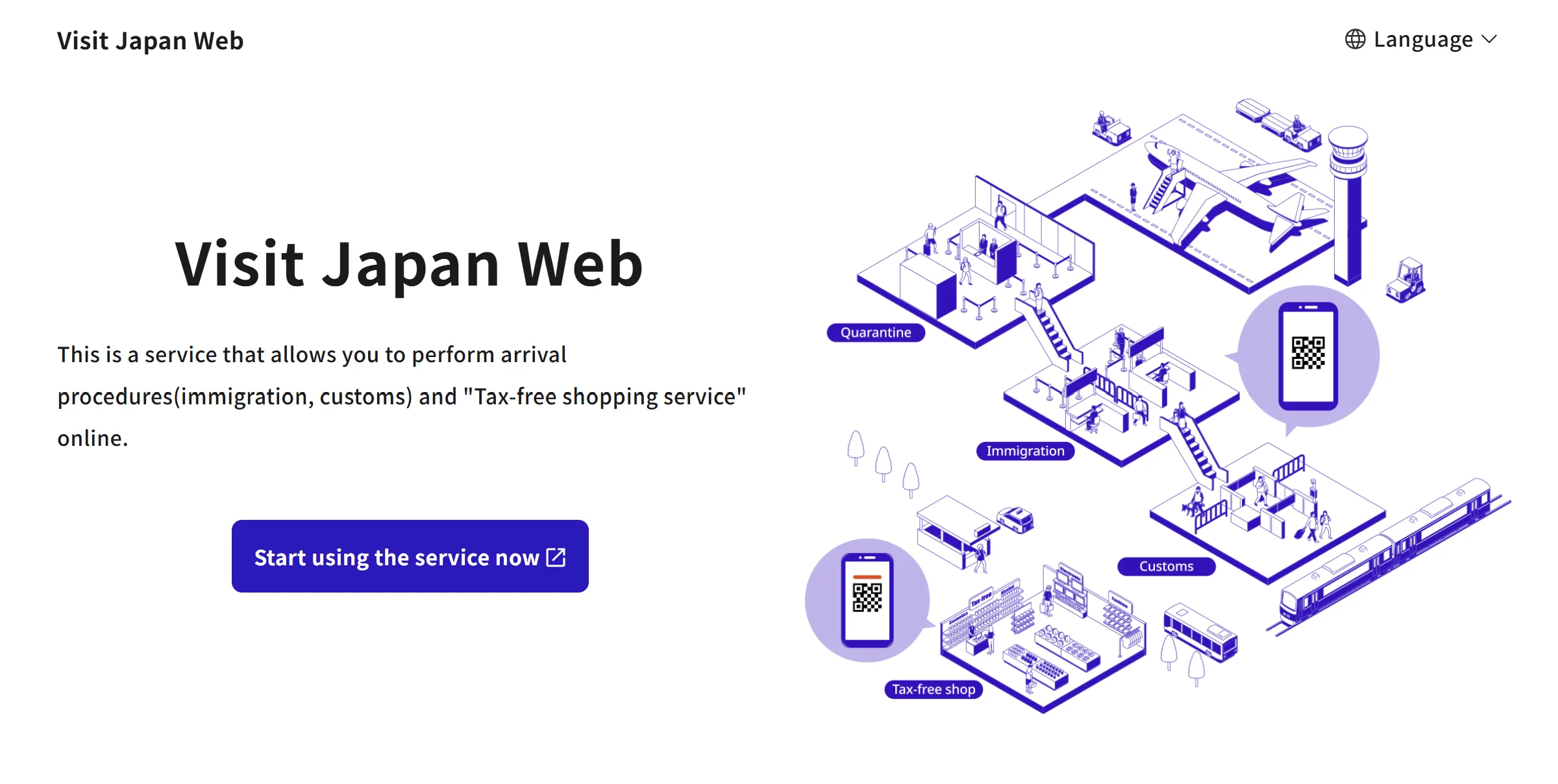
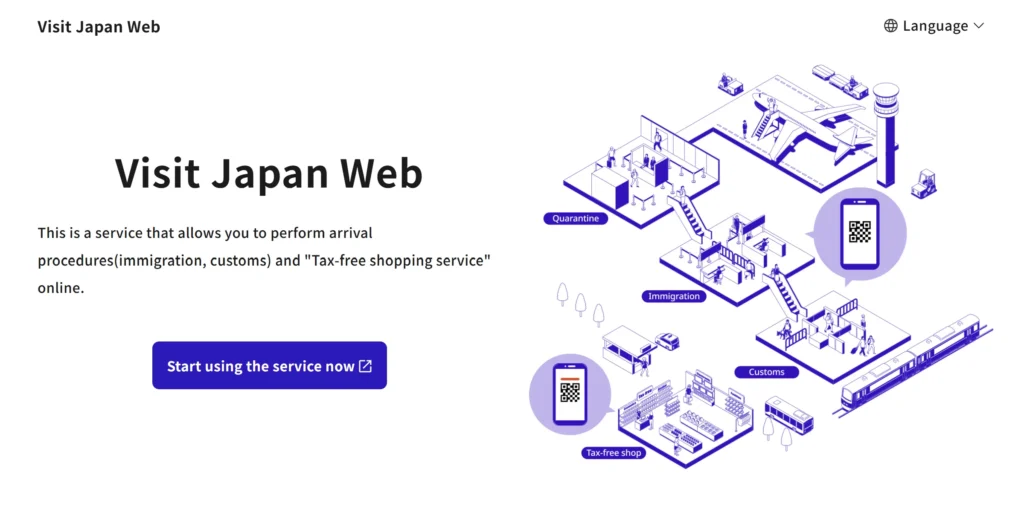
Visit Japan Web (VJW) is the official online service for handling your Japan immigration and customs paperwork before you land. Two things are worth getting straight right away, because there’s a lot of confusing information online:
- It is web only. There is no official app. If you find an “app” in the App Store or Google Play, or any site asking you to pay a fee, it is not the real thing. The official service is free, and you do everything in your phone’s browser.
- It is not technically mandatory, but I strongly recommend it. You can still fill out paper forms, but the digital path is faster and you can finish it from home.
My rule is simple: bookmark the official site, do it in your browser, and never pay anyone for it.
What it actually looks like on arrival
After you register, the service gives you a QR code for immigration and customs.
From my own trips, the process is straightforward. You don’t fill out the paper arrival card on the plane anymore. At immigration, you hand over your passport and show your QR code, and the officer processes you with the details you already entered. At customs, you scan the QR code again at the gate on your way out. That’s it.
So the real benefit isn’t some special fast lane. It’s that you skip writing out forms in cramped airplane seats, and your information is already in the system, which keeps things moving. On a quiet arrival the time difference is small. After a packed evening flight, having everything ready in advance is what saves you.
How I register before a trip
I do this in three quick stages, usually the night before I fly.
Set up the account. Go to the official site, register with your email, and verify it with the code they send. You only do this once.
Enter your passport and personal details. Type your name exactly as it appears on your passport. You can scan the passport with your camera, but if the lighting is bad I just type it in, since that’s more reliable. For your address in Japan, your first hotel is enough, even if you’re moving around later.
Register the actual trip. Add your flight number and arrival date, answer the customs questions, and the QR code becomes available. I give each trip a name like “Fukuoka March 2026” so I don’t mix them up.
Two habits that have never let me down: register at least six hours before departure so the system has time to process, and screenshot the finished QR code before you fly. Airport Wi-Fi when you land is hit or miss, and a screenshot works fine at the scanners.
A few more things worth knowing
You can register your family on one account, so for a group trip one person can handle everyone. Each traveler still scans their own QR on arrival, but you only set it up once.
If you make a mistake, you can edit your information any time before you actually pass through immigration. If you only notice it at the airport, you can fix it on the site or ask an officer for a paper form.
And this is mostly for air travel. If you arrive by ferry or cruise, you’ll likely still be filling out paper. Check the official site if that’s your route.
One thing I’m not covering here: Japan’s tax-free shopping rules are changing significantly from November 2026. That’s a topic on its own, so I’ll write a separate post about it soon.
My honest take after many trips
Visit Japan Web went from a nice extra to the thing I set up automatically before every Japan trip. It’s free, it’s quick, and it means I never touch a paper form on the plane. The mistakes I see most often are people paying scam sites, downloading a fake app, and forgetting to screenshot the code before they land. Avoid those and your first hour in Japan goes a lot smoother. Just remember: official site, in your browser, free, and screenshot it before you land.
Entry procedures and requirements can change without much notice. Before you travel, always check the official Visit Japan Web site (vjw.digital.go.jp) for the latest rules. This post is based on my own experience and is for general information only.